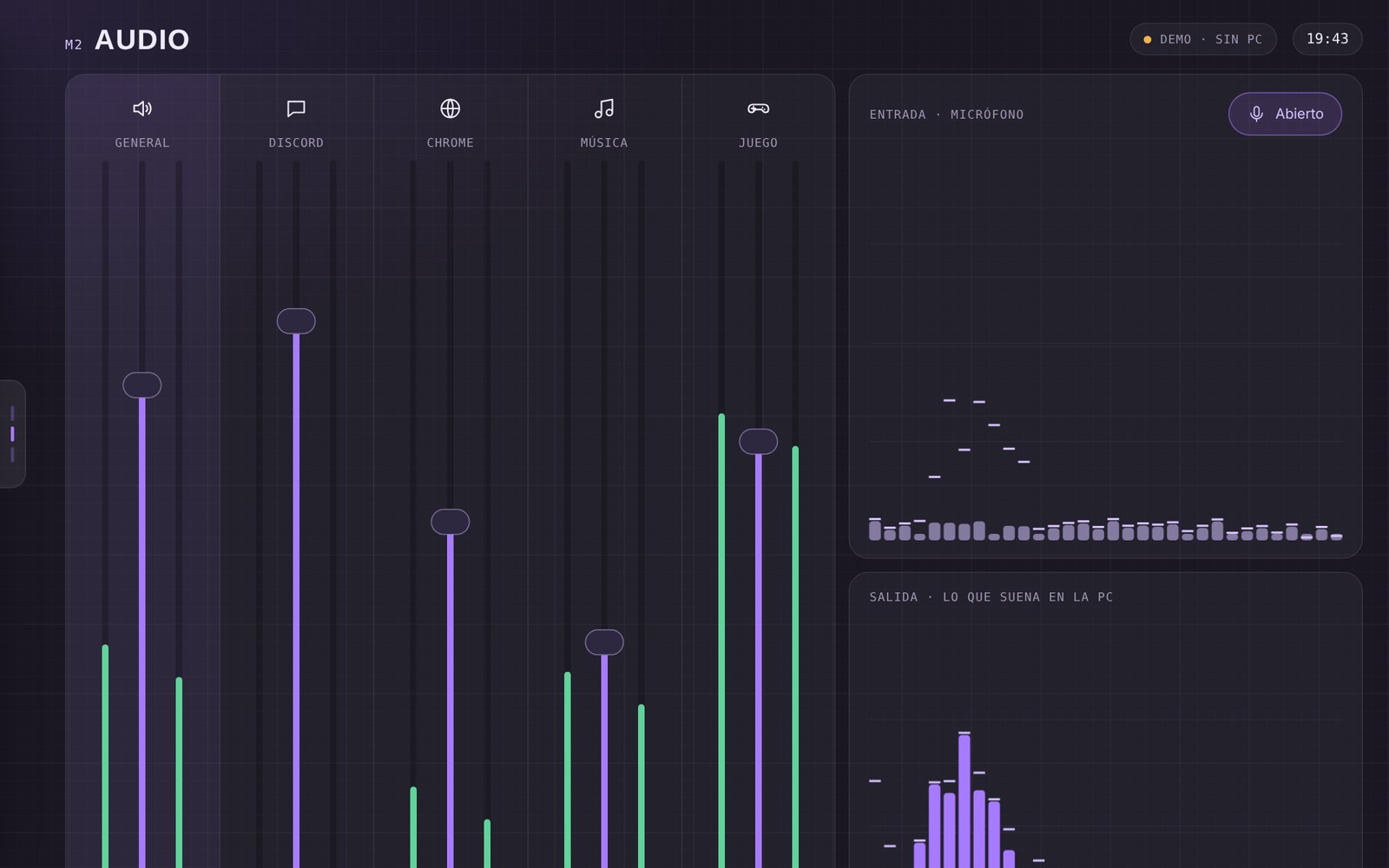
Convierte cualquier tablet o celular Android viejo en un panel de botones para la computadora. La tablet solo muestra una página web; un programa liviano en la bandeja de Windows le manda los datos en vivo y ejecuta lo que tocás.
Turns any old Android tablet or phone into a button panel for your computer. The tablet only shows a web page; a lightweight Windows tray app sends it live data and runs whatever you tap.
Está pensado para ser liviano: anda en una tablet de 1 GB de RAM y no hay que instalar nada en ella salvo un navegador. Todo viaja por la red local, sin cables y sin internet.
It is built to be light: it runs on a 1 GB RAM tablet and needs nothing installed on it besides a browser. Everything travels over the local network, with no cables and no internet.
CÓMO FUNCIONAHOW IT WORKS
Tablet AndroidAndroid tabletFully Kiosk Browser en pantalla completaFully Kiosk Browser, full screen
Wi-Fi · WebSockettoques hacia la PC, datos hacia la tablettaps to the PC, data to the tablet
sbdeck.py en la bandejasbdeck.py in the trayPython · sirve la página en el puerto 8765Python · serves the page on port 8765
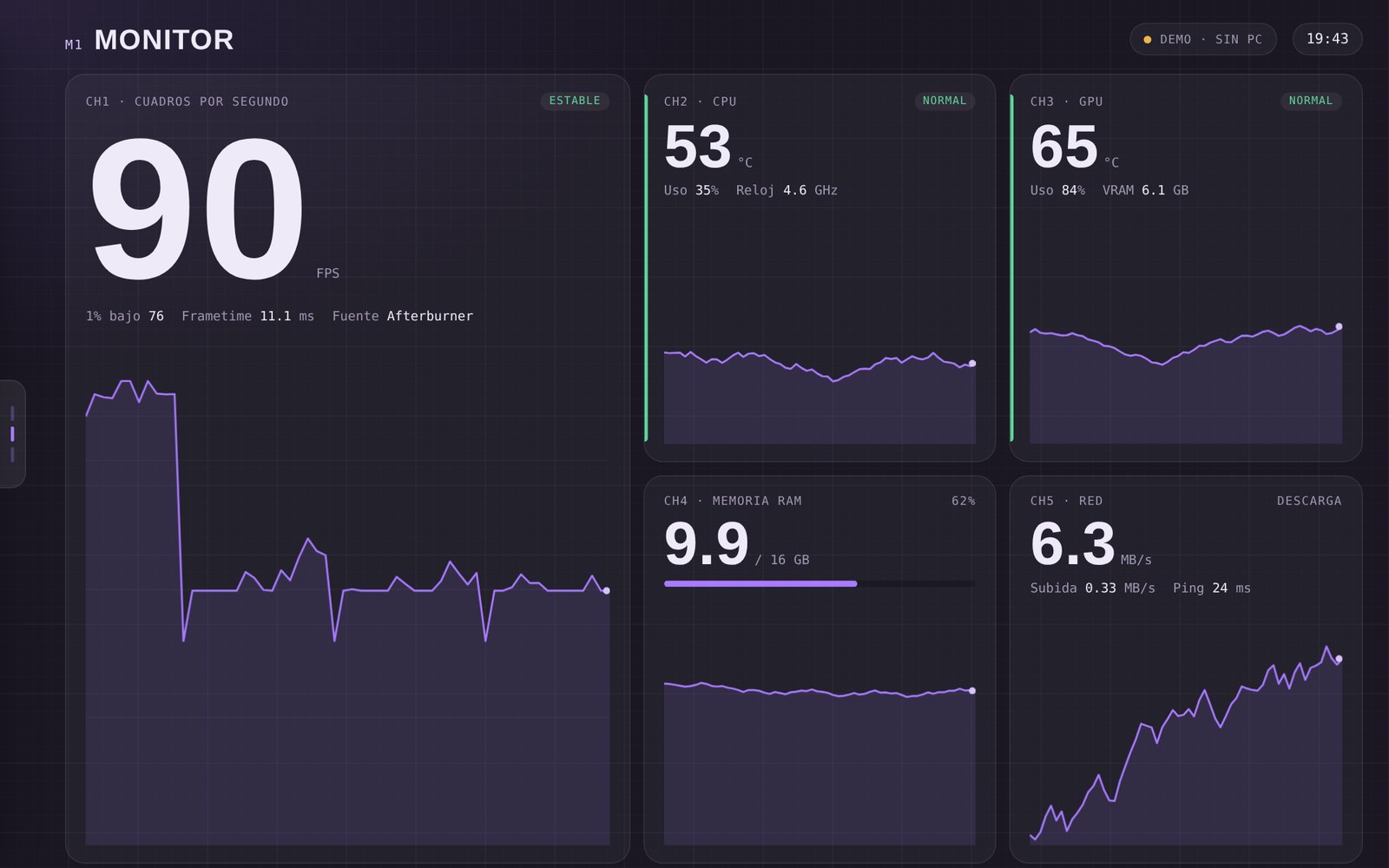
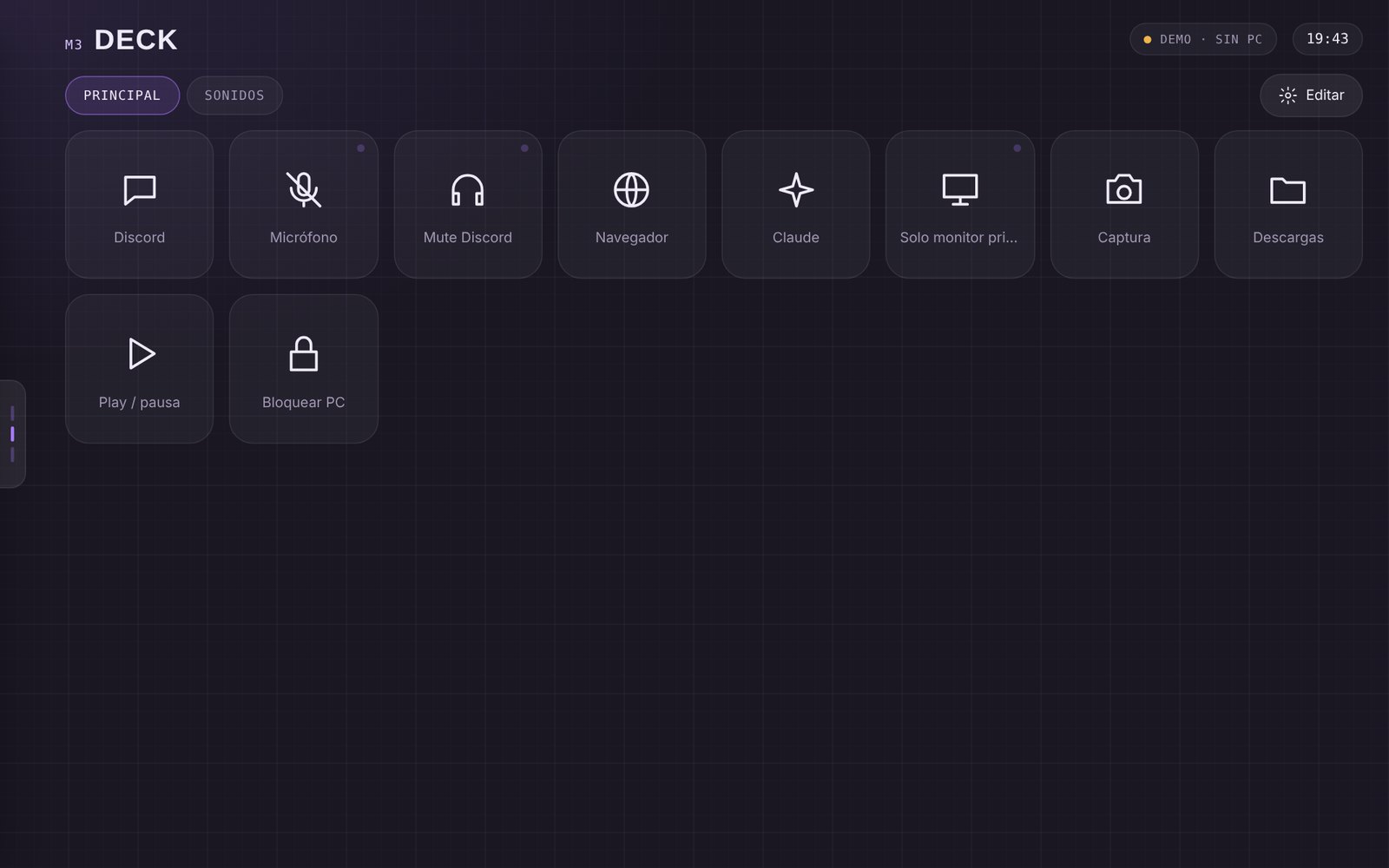
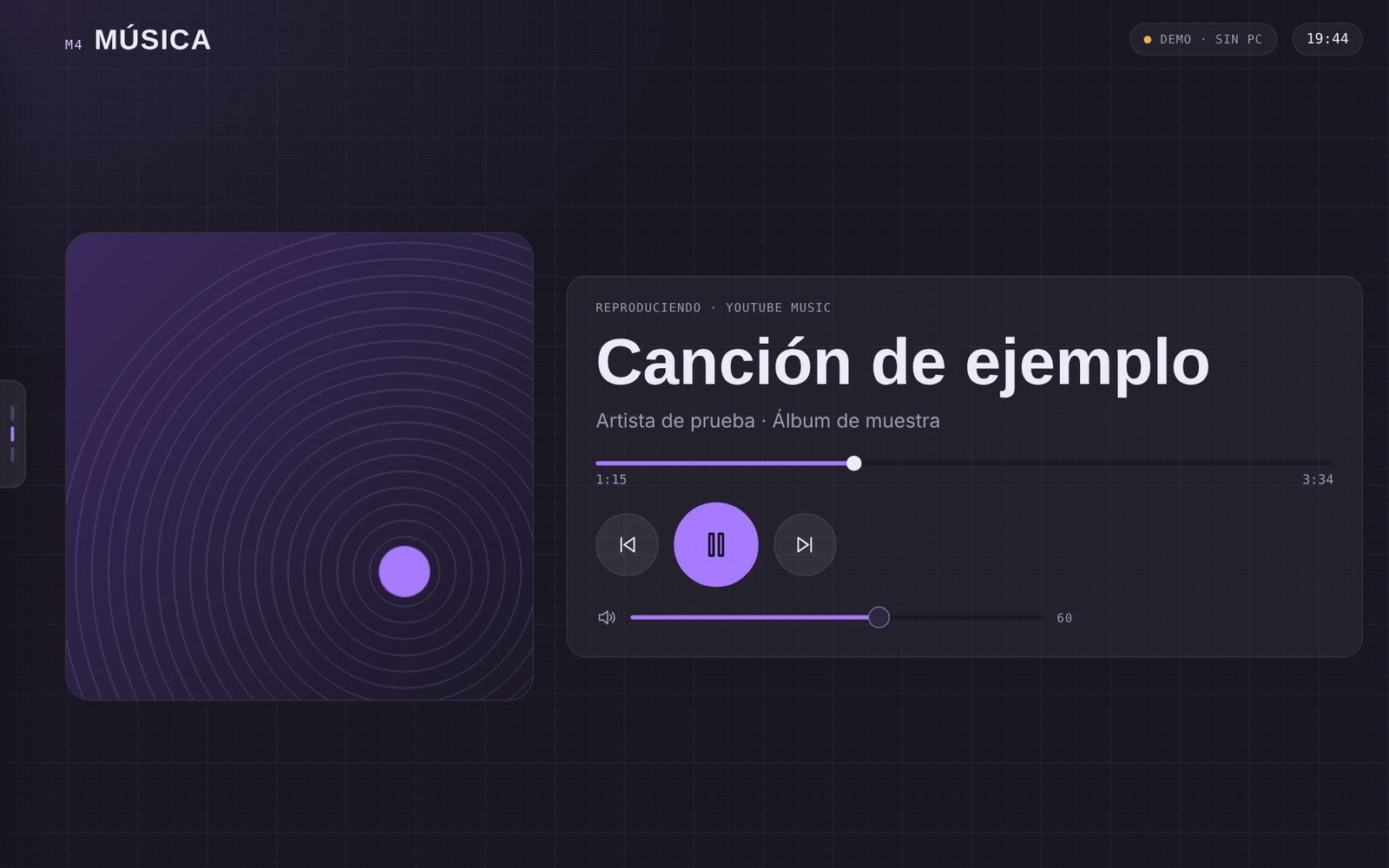
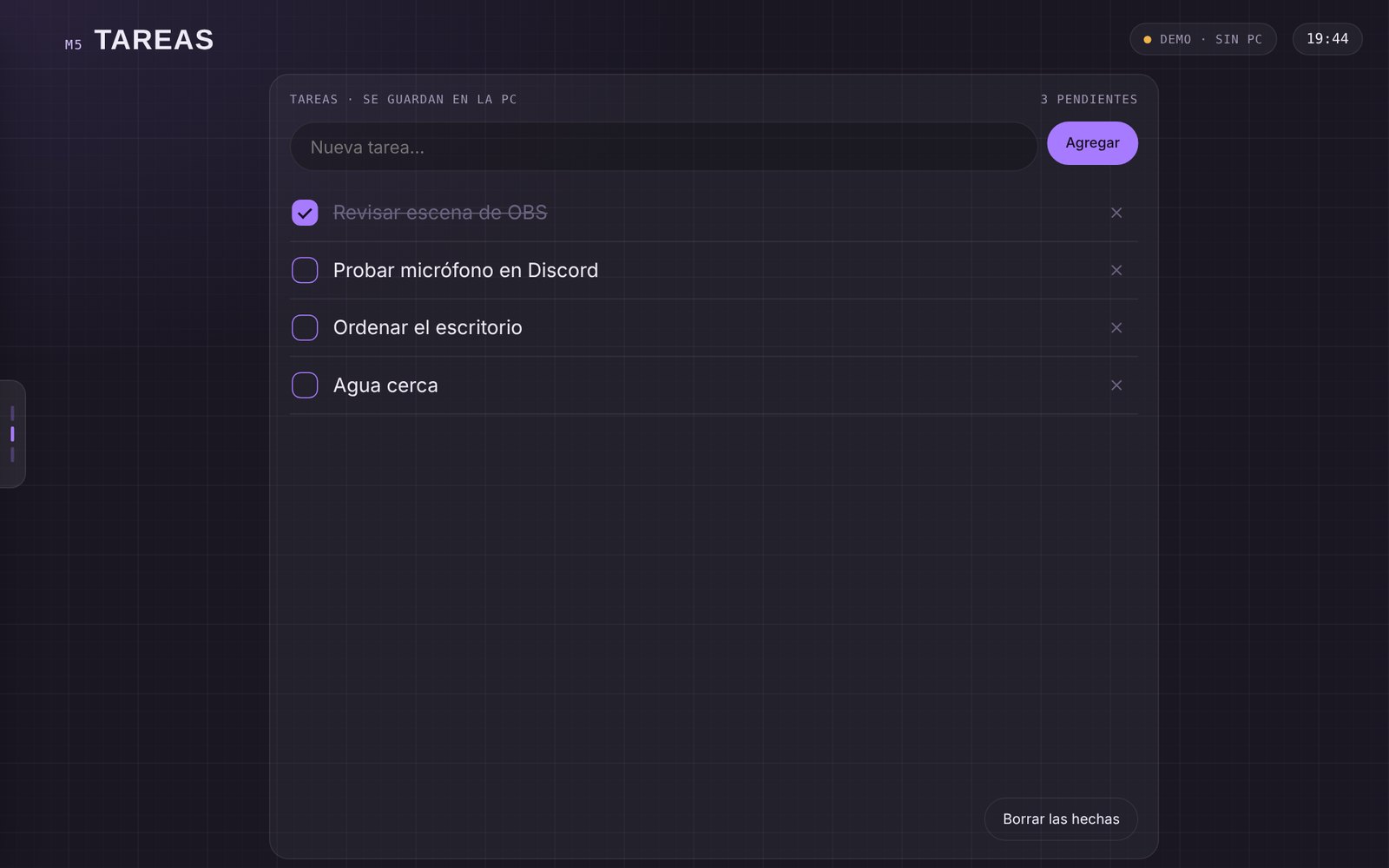
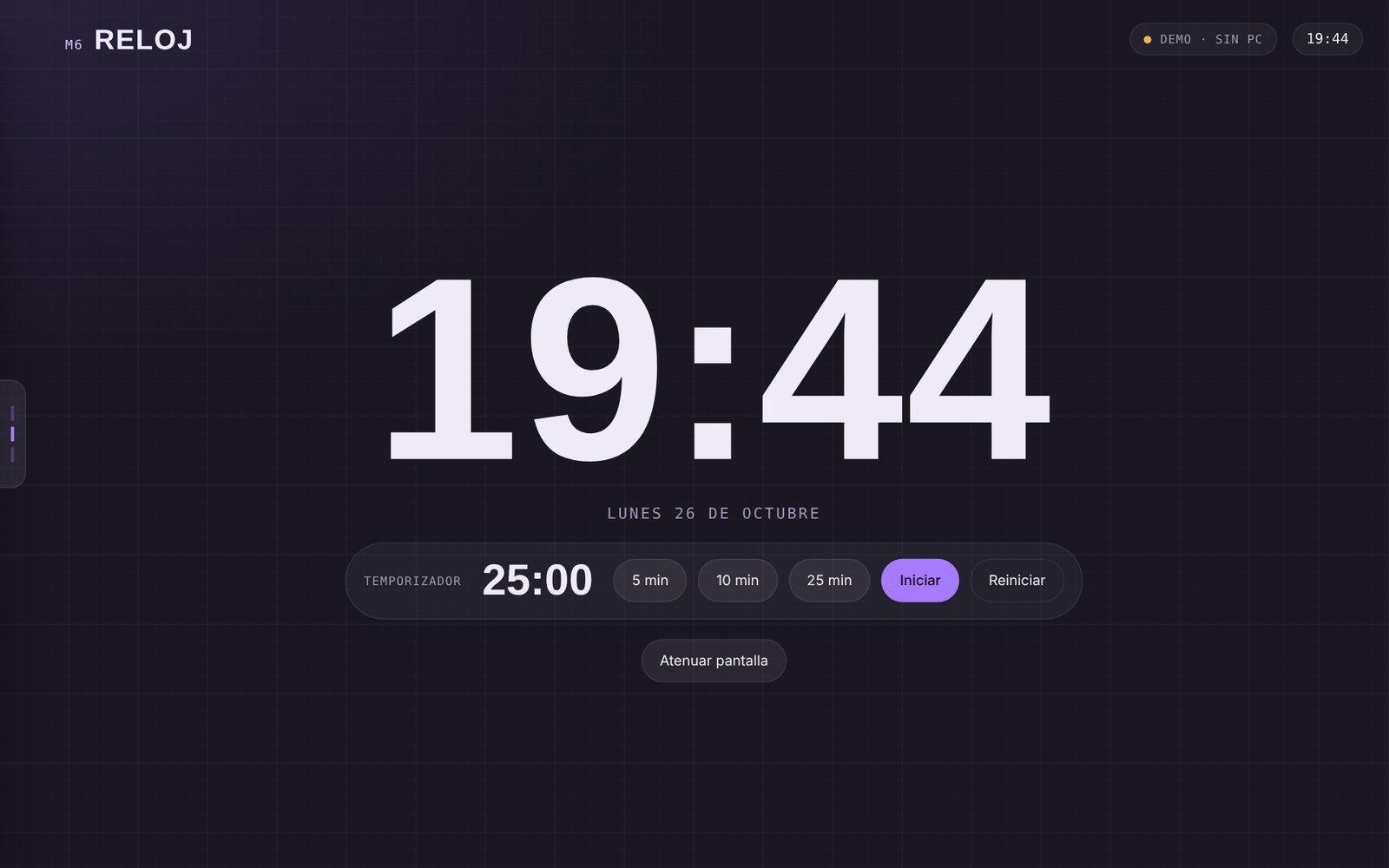
// Capturas de la interfaz real en su modo demo, con datos de ejemplo.
// Screenshots of the real interface in its demo mode, with sample data.
03DescripciónDescription
Qué lo hace distinto
What makes it different
Liviano de verdad
Genuinely light
Anda en una tablet de 1 GB de RAM: fondo mate, sin animaciones de más y nada que instalar en ella.
Runs on a 1 GB RAM tablet: matte background, no extra animations and nothing to install on it.
Botones editables
Editable buttons
Se crean y se editan desde la tablet o desde el navegador de la PC, con páginas para ordenarlos.
Created and edited from the tablet or the PC's browser, with pages to keep them organized.
Logos reales
Real logos
Cada botón trae solo el ícono real del programa o del sitio web que abre.
Each button fetches the real icon of the app or website it opens, by itself.
Instalación en un doble clic
One double-click install
SBDeck.bat prepara todo la primera vez, incluso Python si falta, y queda abriéndose con Windows.
SBDeck.bat sets everything up the first time, even Python if missing, and then starts with Windows.
Se actualiza solo
Updates itself
Con Git se actualiza con git pull al arrancar, y la tablet se recarga sola.
With Git it updates via git pull on start, and the tablet reloads by itself.
Control de monitores
Monitor control
Un botón deja solo el monitor principal (o el que elijas) y otro los vuelve a prender todos.
One button keeps only the main monitor (or the one you pick) and another turns them all back on.
04Puesta en marchaSetup
Instalación y requisitos
Installation & requirements
Bajá el proyectoGet the projectCon git clone (así se actualiza solo) o con Code → Download ZIP.With git clone (so it updates itself) or Code → Download ZIP.
Doble clic en SBDeck.batDouble-click SBDeck.batLa primera vez tarda unos minutos: instala Python, las librerías y MultiMonitorTool. Queda en la bandeja.The first run takes a few minutes: it installs Python, the libraries and MultiMonitorTool. Then it lives in the tray.
Activá los sensores en AfterburnerEnable sensors in AfterburnerFramerate, 1% low, frametime, temperatura y uso de GPU y CPU, y permitir Redes privadas en el firewall.Framerate, 1% low, frametime, GPU and CPU temperature and usage, and allow Private networks in the firewall.
Abrí la dirección en la tabletOpen the address on the tabletEn Fully Kiosk, como Start URL, la que muestra el ícono de la bandeja, por ejemplo http://192.168.0.10:8765.In Fully Kiosk, as the Start URL, use the one shown by the tray icon, e.g. http://192.168.0.10:8765.
REQUISITOSREQUIREMENTSREQ
PCWindows 10 · 11Python 3.12 se instala solo si faltaPython 3.12 installs itself if missing×1
SWMSI Afterburner + RTSSpara FPS y temperaturasfor FPS and temperatures×1
TABTablet o celular Androidcon Fully Kiosk BrowserAndroid tablet or phonewith Fully Kiosk Browser×1
NETMisma red Wi-Ficon IP de la PC reservada en el routerSame Wi-Fi networkwith the PC's IP reserved on the routerLAN
Botones, tareas y configuración se guardan en la PC, en data/
Buttons, tasks and settings are stored on the PC, in data/
Repositorio
Repository
UlisesSB / SBDeck
Programa de la PC en Python, la interfaz web de la tablet, sonidos y el lanzador SBDeck.bat que deja todo listo.
The PC app in Python, the tablet's web interface, sounds and the SBDeck.bat launcher that sets everything up.