Volver a proyectosBack to projects
USwap — convert any file, right here

PRJ · P-01 Personal · Herramienta CLIPersonal · CLI tool

USwap

Convertí imágenes, audio, video y documentos desde el clic derecho o la terminal.

Convert images, audio, video and documents from the right-click menu or the terminal.

v2.0.0 Windows · Linux Python 3.8+ LicenciaLicense MIT 2026

01 ResumenOverview

Hacés clic derecho sobre un archivo, elegís Convert with USwap, tocás un número y listo: la copia convertida aparece al lado del original.

Right-click a file, choose Convert with USwap, press a number and that's it: the converted copy appears next to the original.

Sin interfaz gráfica, sin internet y sin vueltas. Es un solo archivo de Python que usa solo la biblioteca estándar; el trabajo pesado lo hacen FFmpeg, Pandoc y Poppler.

No GUI, no internet, no fuss. It is a single Python file using only the standard library; FFmpeg, Pandoc and Poppler do the heavy lifting.

  1. CÓMO FUNCIONAHOW IT WORKS
  2. Clic derechoRight-clicko el comando uswap en la terminalor the uswap command in a terminal
  3. Detecta el tipo realDetects the real typelee los primeros bytes, no la extensiónreads the first bytes, not the extension
  4. Elegís el formatoPick the formatsolo los que tienen sentido para ese archivoonly the ones that make sense for that file
  5. FFmpeg · Pandoc · Popplerconvierten, sin conexióndo the conversion, offline
  6. Copia al lado del originalCopy next to the originalnunca pisa nada: foto (1).jpgnever overwrites: foto (1).jpg

02 ImágenesImages

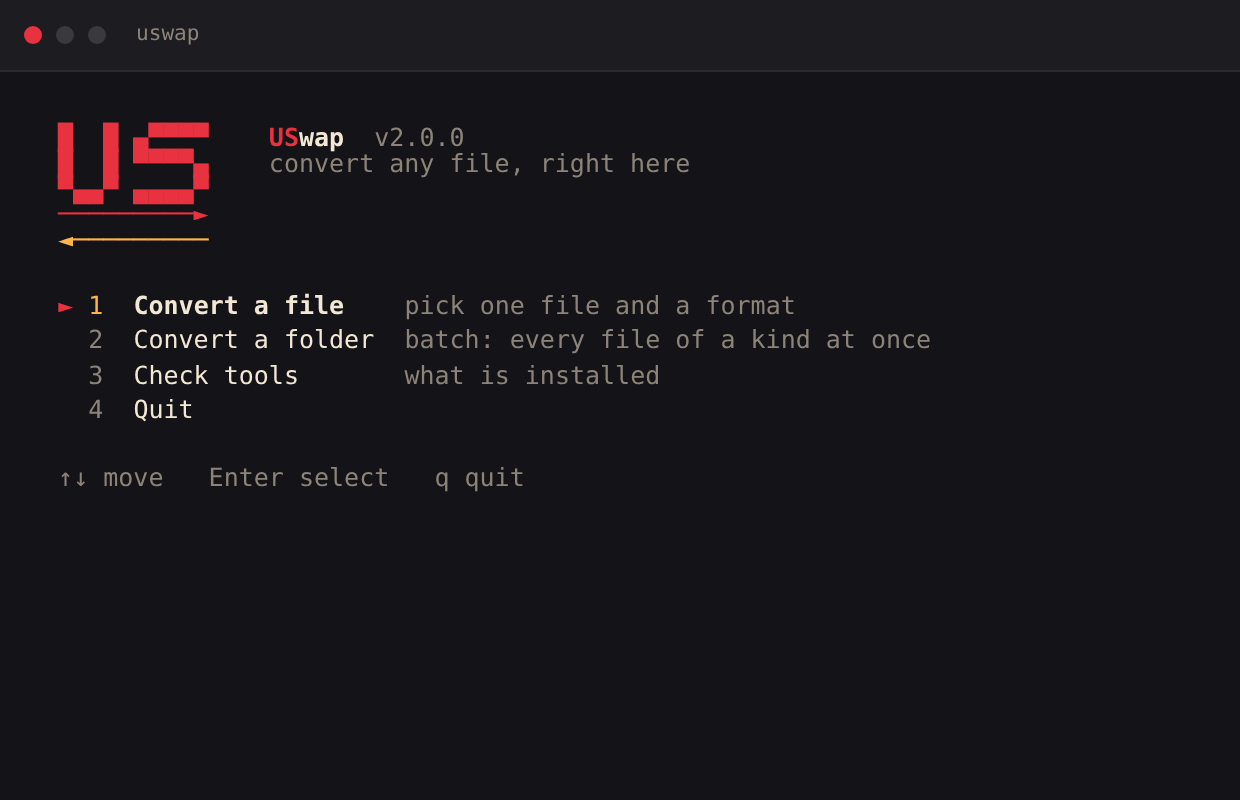
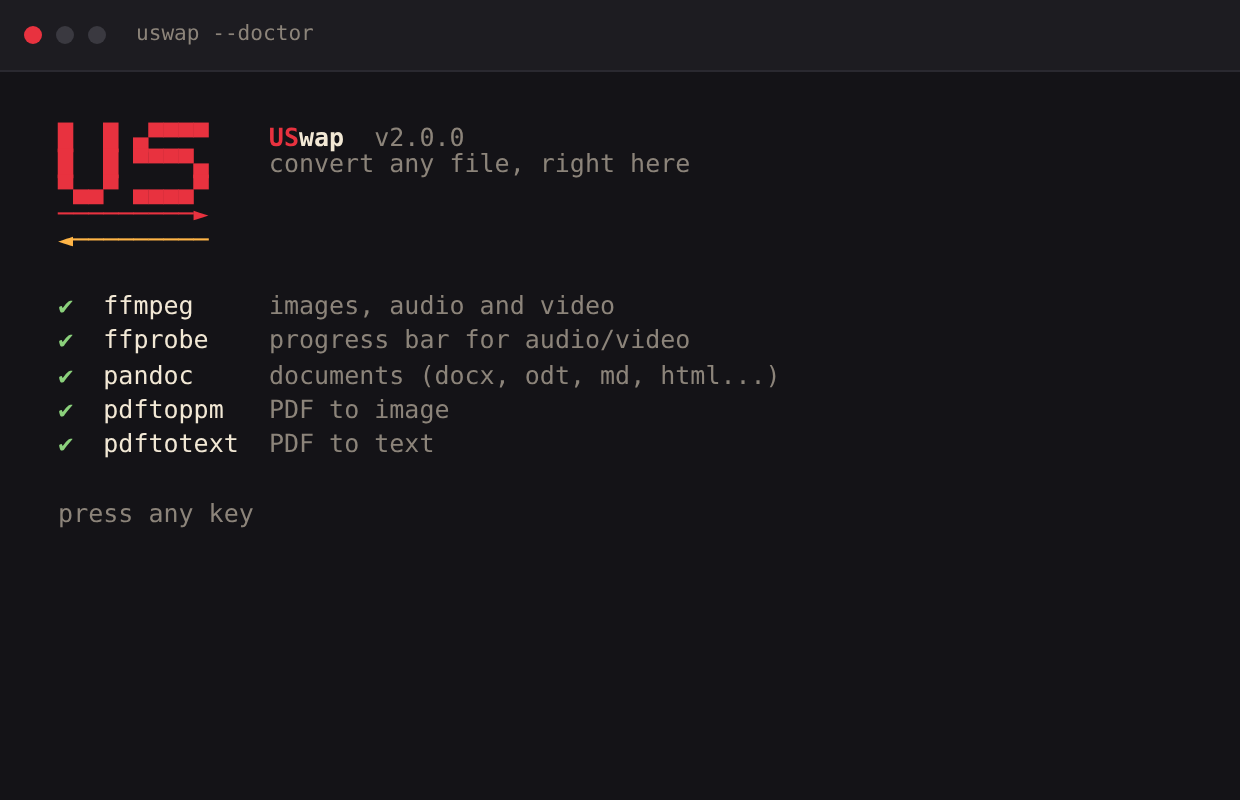
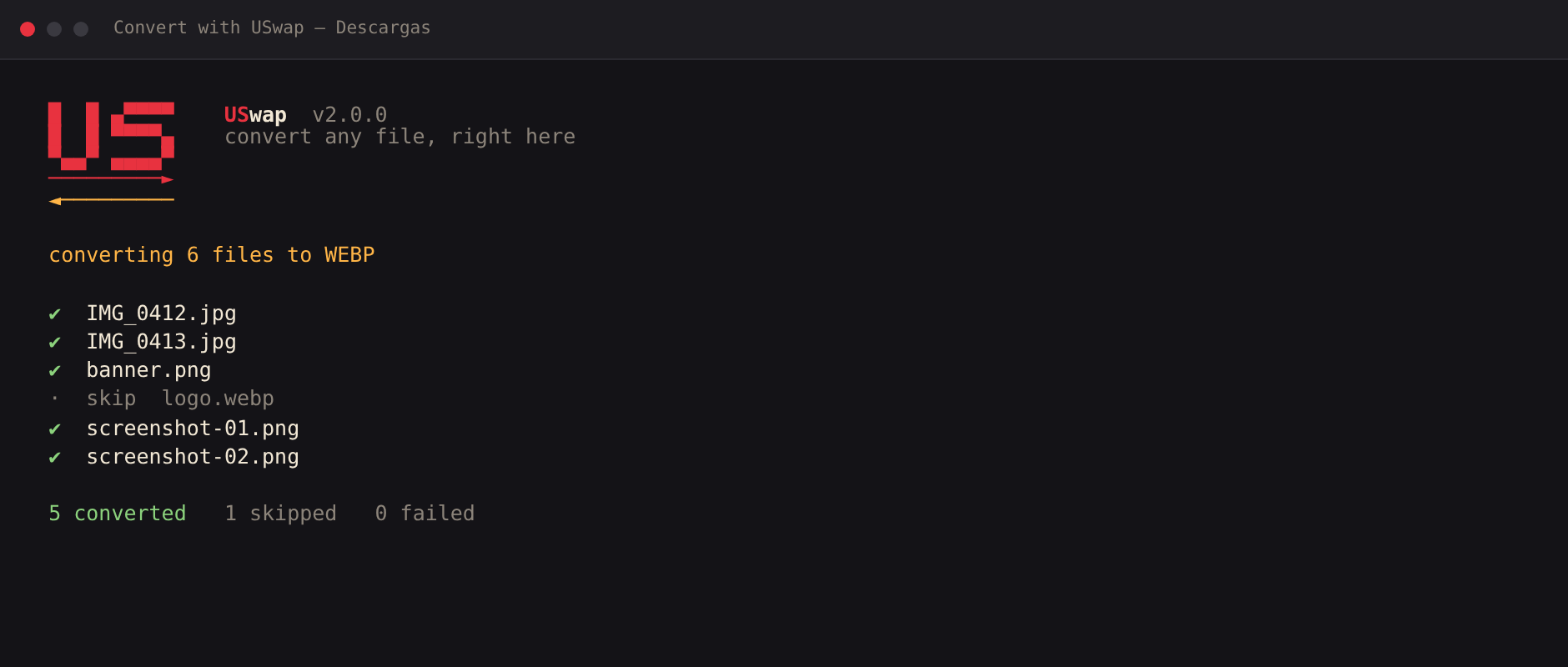
En la terminal

In the terminal

03 DescripciónDescription

Qué hace

What it does

Detecta el tipo real

Detects the real type

Lee los primeros bytes en vez de confiar en la extensión: un PNG renombrado a .jpg se sigue tratando como PNG.

Reads the first bytes instead of trusting the extension: a PNG renamed to .jpg is still handled as a PNG.

Nunca pisa nada

Never overwrites

El original queda intacto. Si foto.jpg ya existe, guarda foto (1).jpg.

The original stays untouched. If foto.jpg already exists, it saves foto (1).jpg.

Solo lo que tiene sentido

Only what makes sense

Una foto ofrece formatos de imagen; un video ofrece video y también audio, para sacarle el sonido.

A photo offers image formats; a video offers video and also audio, to extract the sound.

Carpetas enteras

Whole folders

Clic derecho sobre una carpeta y pasás todos los archivos de un tipo de una sola vez.

Right-click a folder and convert every file of one kind in one go.

Sin conexión

Works offline

Todo pasa en tu computadora. Nada se sube a ningún lado.

Everything happens on your computer. Nothing gets uploaded anywhere.

Un solo archivo

A single file

uswap.py usa solo la biblioteca estándar de Python: nada de pip ni entornos virtuales.

uswap.py uses only Python's standard library: no pip, no virtual environments.

04 ReferenciaReference

Formatos y comandos

Formats & commands

ImagenImage entrainpng jpg webp gif bmp tiff ico
saleoutlas mismasthe same
FFmpeg
Audio entrainmp3 wav flac ogg opus m4a aac
saleoutlos mismosthe same
FFmpeg
Video entrainmp4 mkv webm mov avi
saleoutmp4 mkv webm mov avi gif + audio
FFmpeg
DocumentoDocument entraindocx odt rtf epub html md txt
saleoutlos mismosthe same
Pandoc
PDF entrainpdf
saleouttxt · png · jpg (una por página)txt · png · jpg (one per page)
Poppler
DESDE LA TERMINALFROM THE TERMINALCLI
uswapMenú: archivo, carpeta o revisar herramientasMenu: file, folder or check tools
uswap foto.pngIgual que el clic derechoSame as the right-click
uswap foto.png --to webpDirecto, sin preguntarStraight away, no questions
uswap *.wav --to mp3Varios archivos a la vezSeveral files at once
uswap Descargas/ --to jpgToda una carpetaA whole folder
uswap --doctorQué herramientas hay instaladasWhich tools are installed
Teclas: ↑ ↓ moverse · 1–9 elegir · Enter confirmar · Esc volver
Keys: ↑ ↓ move · 1–9 pick · Enter confirm · Esc back

Repositorio

Repository

UlisesSB / USwap

En Windows, un instalador que ya trae FFmpeg, Pandoc y Poppler y no pide permisos de administrador. En Linux, git clone + bash install.sh.

On Windows, an installer that bundles FFmpeg, Pandoc and Poppler and needs no admin rights. On Linux, git clone + bash install.sh.

Stack

Python (biblioteca estándar)Python (standard library)FFmpegPandocPopplerANSIInno SetupBash

Ficha

Details

TIPOTYPEPersonal · código abiertoPersonal · open source
VERSIÓNVERSION2.0.0
LICENCIALICENSEMIT
NOMBRENAMEU de Ulises + swapU for Ulises + swap
ANTERIORPREVIOUSApocalipsis TrueRMS SIGUIENTENEXTSBDeck